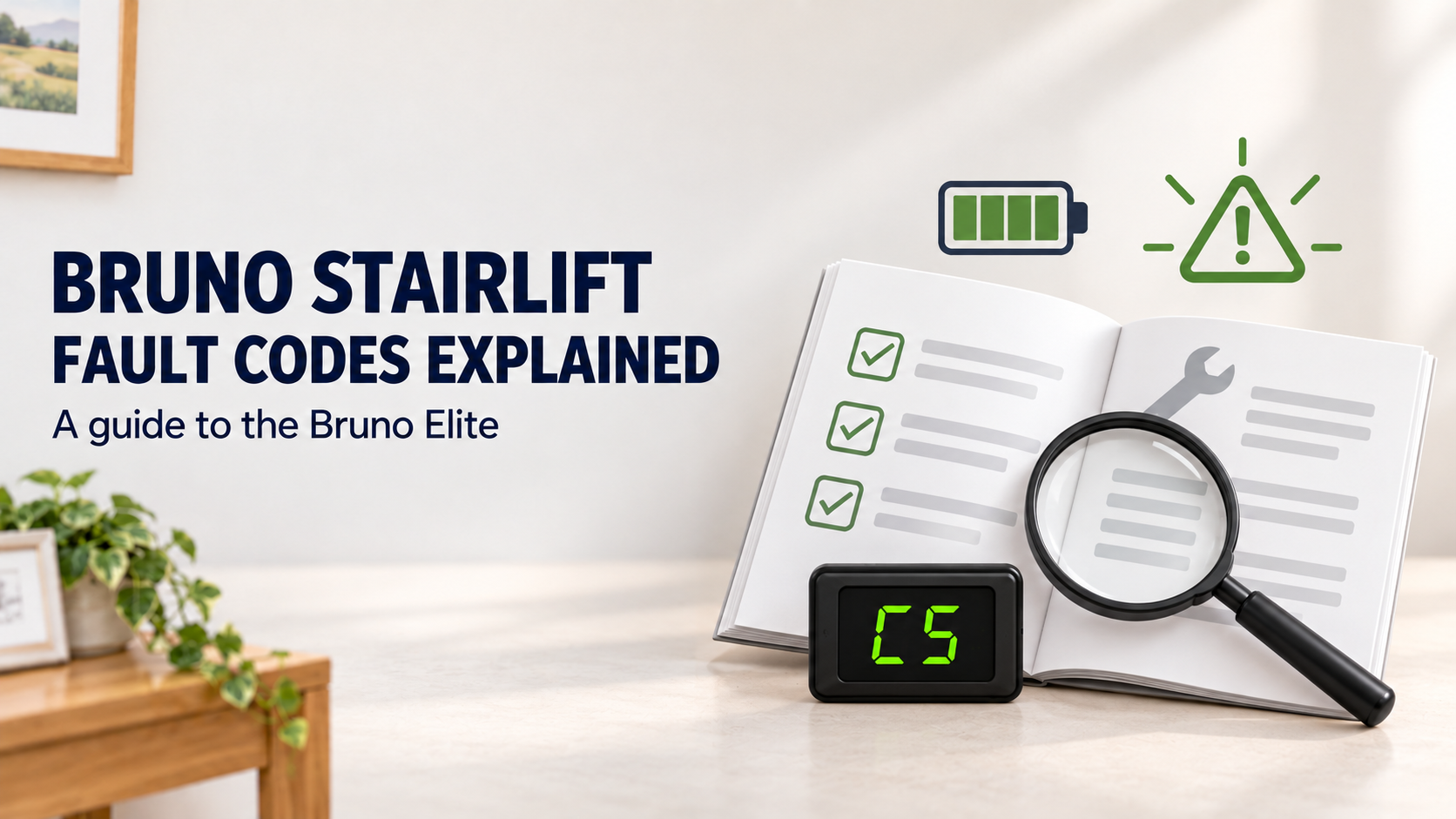
If your Bruno Elite stairlift has stopped or is showing letters or numbers on its display, the message may help explain its current status or indicate why it will not move. Some codes relate to normal operation, such as charging. Others relate to the seat position, safety switches or battery condition.
This guide covers the Bruno Elite indoor stairlift. Bruno’s operator manual lists these diagnostic codes on the display beneath the seat. Other Bruno models may use different codes, so check the model number on your stairlift before relying on this table.
Bruno Elite diagnostic codes
| Code | Meaning |
|---|---|
| A2 | Seat is raised; the seat-fold switch is closed. |
| A3 | Seat is outside its riding position; the swivel limit is open. |
| A7 | Seat or footrest is jammed; the actuator is stalled. |
| C1 | Charging. |
| C2 | Off charge while running. |
| C4 | Parked, but the charger is not detected. |
| C5 | Battery voltage is critical; charge immediately. |
| C6 | Battery voltage is low. |
| L1 | Seat safety switch is open. |
| L2 | Up limit switch is open. |
| L3 | Down limit switch is open. |
| L6 | Mid-rail park is active. |
| L8 | Soft-stop switch. |
The codes don’t all mean the same thing. C1, for example, is a charging status. C5 indicates critically low battery voltage. Codes such as A3 and L1 relate to the seat’s position or a safety switch. A code can point an engineer towards an area to investigate, but it isn’t necessarily a complete diagnosis.
What should I do if a code appears?
Make a note of the exact code before contacting a service provider. If possible, take a clear photo of the display beneath the seat. Also note where the stairlift was on the rail, whether it was travelling or parked, and what happened just before the code appeared.
Check that the stairs and the stairlift’s path are clear of objects. If the lift has stopped because its footrest sensor has encountered an obstruction, the Bruno manual says the stairlift can be moved in the opposite direction to clear the obstruction. Follow the instructions for your specific lift and only do this if it is safe for the user. Don’t force the chair, footrest or rail.
If the display shows A3, the seat may not be locked in the riding position. The manual explains that the lift will not operate unless the seat is secured in that position. Follow the user instructions to check the seat position; don’t try to defeat or bypass a safety switch.
Battery and charging indications
Codes C1, C2, C4, C5 and C6 relate to charging or battery status. Bruno’s manual explains that the stairlift uses rechargeable batteries and should be kept charged. If C5 appears, the manual describes the battery voltage as critical and says to charge immediately. A C4 display means the lift is parked but the charger is not detected.
If the lift is moving slowly, stopping unexpectedly or repeatedly showing a battery-related code, contact a stairlift engineer. The manual notes that low batteries can cause the stairlift to run slowly or stop. Avoid repeatedly trying to run the lift if it is not operating normally.
When should I contact an engineer?
Arrange an engineer visit if a code keeps returning, the lift stops during travel, the seat or footrest appears jammed, or you notice unusual movement or sounds. Codes A7, L1, L2, L3 and L8 relate to an actuator, safety switch, limit switch or soft-stop switch. These are diagnostic indications—not instructions for the user to adjust internal parts.
Never bypass a safety switch, open electrical covers or attempt repairs to the lift mechanism. Bruno’s manual says the serial and model numbers are needed when arranging service, and it specifies authorised Bruno dealer maintenance for the Bruno Elite.
What information helps the service team?
When you call, provide:
- The model and serial number, if available.
- The exact code shown on the display.
- Where the chair was when the code appeared.
- Whether the stairlift was travelling, parked or charging.
- Any recent changes, unusual movement or noises.
- A photo of the display, if you can take one safely.
This information helps the engineer understand what you’re seeing and prepare for the visit. Bruno’s owner-manual page also directs owners to the manual for their product and to their dealer for service questions.
Need help with a Bruno Elite stairlift?
The diagnostic display can be useful, but it should be treated as a starting point for investigation. If your Bruno Elite is showing a persistent code or isn’t working as expected, contact a qualified stairlift service provider. Anglian Lifts can discuss the model and symptoms with you and advise on the next step.
This guide is based on the Bruno Elite operator manual. It applies to that model only; code meanings may differ on other Bruno stairlift models. Follow the user manual for your installation and contact a qualified engineer if a fault persists.